10 Best Internal Linking Tools in 2026 (Ranked & Compared)
Internal linking is one of the highest-ROI SEO tasks you can do, yet most sites either ignore it or handle it manually, one post at a time. Pages with 30+ internal links get nearly four times the clicks compared to those with only a few. Strategic internal links help search engines understand your content relationships, distribute page authority across your site, and guide users to your most valuable pages. But manual internal linking doesn't scale. As your content library grows, maintaining a cohesive link structure becomes impossible without automation.
We evaluated 10 internal linking tools on four criteria: automation depth, CMS compatibility, pricing, and ease of use for non-technical teams. Whether you run a WordPress blog, a Shopify store, or a SaaS site on Webflow, this list has a fit for you. The tools range from $0/month to $249/month, and some handle everything automatically while others require manual approval on every suggestion.
Quick-Pick Guide: Best Internal Linking Tool by Use Case
| Use Case | Best Pick | Starting Price |
|---|---|---|
| Full SEO autopilot (content + linking) | Rankcow | Flat monthly subscription |
| WordPress blogs (100–1,000 posts) | Link Whisper | $77/yr |
| Multi-CMS sites needing bulk automation | LinkBoss | Freemium |
| Teams already using an SEO suite | Ahrefs / Semrush | $29–$129/mo |
| Large-scale site crawling & audits | Screaming Frog | Free / £259/yr |
| WordPress users who want a bundled SEO plugin | Yoast SEO Premium | $99/yr |
| Budget-conscious WordPress publishers | Internal Link Juicer | Free / $70/yr |
| Keyword-rule-based WordPress automation | Rank Math Pro | $6.99/mo |
| "Set and forget" on-page SEO automation | SEOJuice | €49/mo |
| Free link auditing with CMS-agnostic access | Google Search Console | Free |
1. Rankcow
If other tools make you manage internal linking, Rankcow removes the task from your plate entirely. This is what we use daily. Rankcow is the only platform on this list that handles internal linking as part of a fully automated SEO pipeline: it identifies keywords, writes long-form content, and publishes articles to your CMS with contextually relevant internal links already baked in. For SaaS founders, bloggers, and small business owners suffering from SEO fatigue, it's the most complete answer to the question "how do I keep my site well-linked as it scales?"
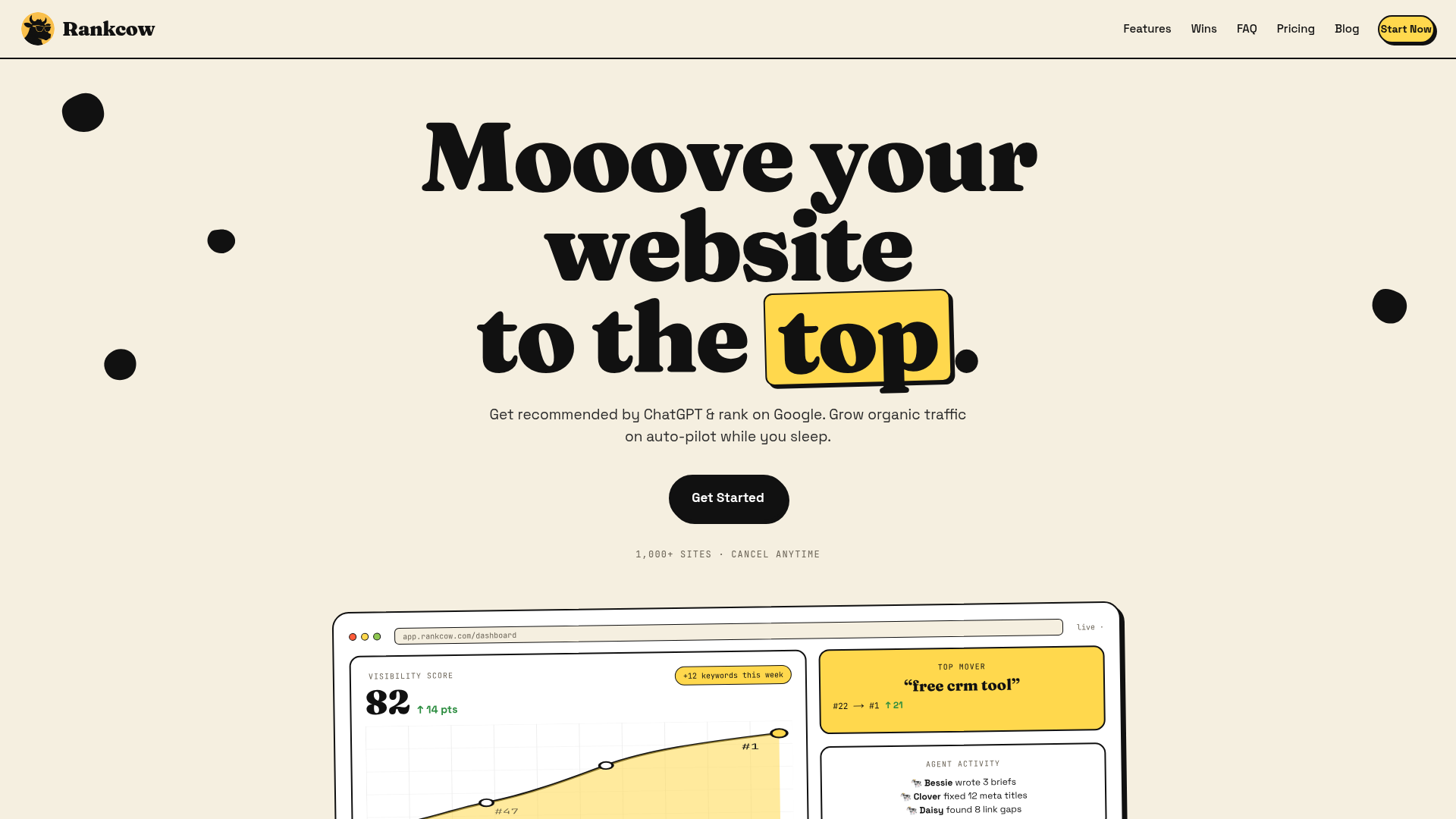
Unlike every other tool in this roundup, you don't need to audit your site first, install a plugin, or approve suggestions one by one. Rankcow's AI studies your existing content, maps topical relationships, and places links that build genuine authority clusters across your site, all while matching your brand's voice. The platform has delivered an 8.4x average traffic lift for users and currently powers 1,000+ customer sites across 150+ languages.
We moved from patching together a writing assistant plus a linking plugin to Rankcow because the two-tool workflow kept breaking down. Every new article required manually going back into older posts to add links, and it never got done consistently. With Rankcow, every published article arrives already linked to relevant existing content.
Key Features & Use Cases
- Automated internal linking on publish: Every new article includes contextually relevant links to your existing content, no manual step required.
- Topical authority clusters: The AI groups content by topic and links between related posts to signal depth to Google.
- 30 articles/month: High publishing velocity means more linking opportunities are created and connected automatically each month.
- Universal CMS compatibility: Publishes via webhooks to WordPress, Webflow, Shopify, Framer, Notion, and custom builds.
- Brand-voice alignment: AI mimics your tone so internal link anchor text reads naturally, not robotically.
- E-E-A-T compliance: Internal linking strategy is designed to align with Google's quality guidelines, not just chase volume.
| Feature Highlights | Best For | Pricing Tiers |
|---|---|---|
| Auto internal linking on every published article | SaaS founders, SMB owners, content marketers | Flat monthly subscription (cancel anytime) |
| Topical cluster building via AI | Sites scaling to 100+ articles | Includes 30 articles/month |
| Multi-CMS webhook publishing | Non-WordPress sites (Webflow, Shopify, Framer) | All features included in subscription |
Pros:
- Internal linking happens automatically, zero manual effort after setup
- Works across every major CMS via webhooks, not just WordPress
- Combines content creation and linking in one workflow, eliminating tool-switching
- 150+ language support for international sites
- Proven 8.4x average traffic lift across 1,000+ sites
- Cancel-anytime subscription, no long-term contracts
Website: https://www.rankcow.com/
2. Link Whisper
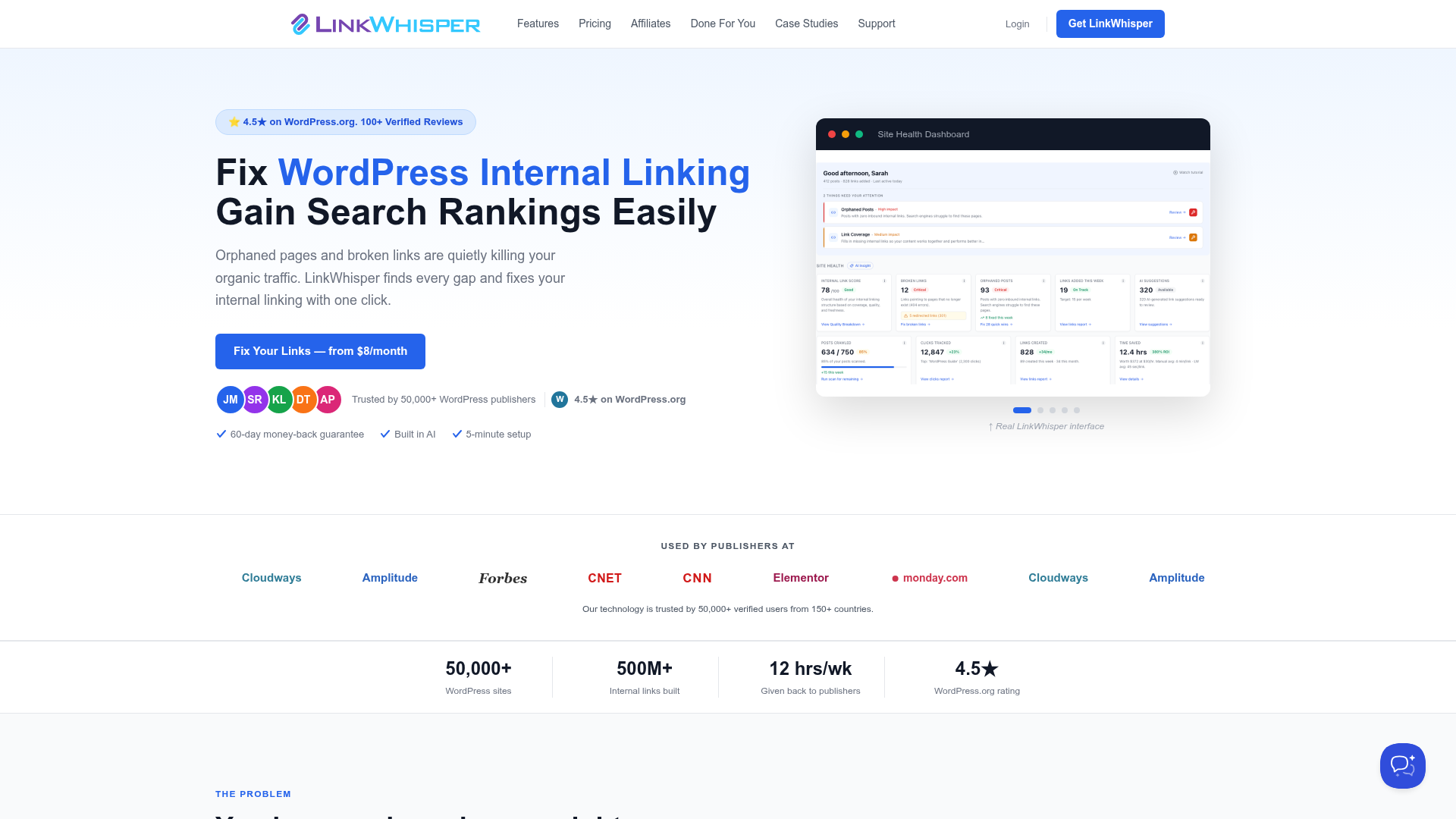
Link Whisper is a WordPress plugin built specifically for internal linking. It is the most focused tool in this category. Spencer Haws, the founder of NichePursuits.com, created Link Whisper after years of manually building internal links for his SEO work, successfully launching it in 2019. If you're on WordPress and want AI-powered suggestions with one-click approvals, this is the standard choice.
Key Features & Use Cases
- AI-powered link suggestions: Uses natural language processing (NLP) to scan your content and recommend smart internal links instantly.
- Orphan page detection: Spots pages that don't have enough links pointing to them, or none at all.
- Auto-linking by keyword: Lets you set keywords and automatically link them across your site to the right page.
- Cross-site linking: If you run multiple websites, Link Whisper can suggest inter-site links to connect your content.
| Feature Highlights | Best For | Pricing Tiers |
|---|---|---|
| NLP-based link suggestions inside editor | WordPress publishers with 100–1,000 posts | $77/yr (1 site) |
| Orphan page dashboard | Content-heavy blogs | $117/yr (3 sites) |
| Bulk keyword auto-linking | Sites doing retroactive link audits | $167/yr (10 sites) |
Pros:
- One-click link insertion from within the post editor
- Bulk auto-linking saves hours on large sites
- Broken link detection included
Cons:
- Best suited for WordPress sites with 100 or more pages. Not a fit for non-WordPress CMS platforms.
- No free tier; annual payment required
Website: https://linkwhisper.com
3. LinkBoss
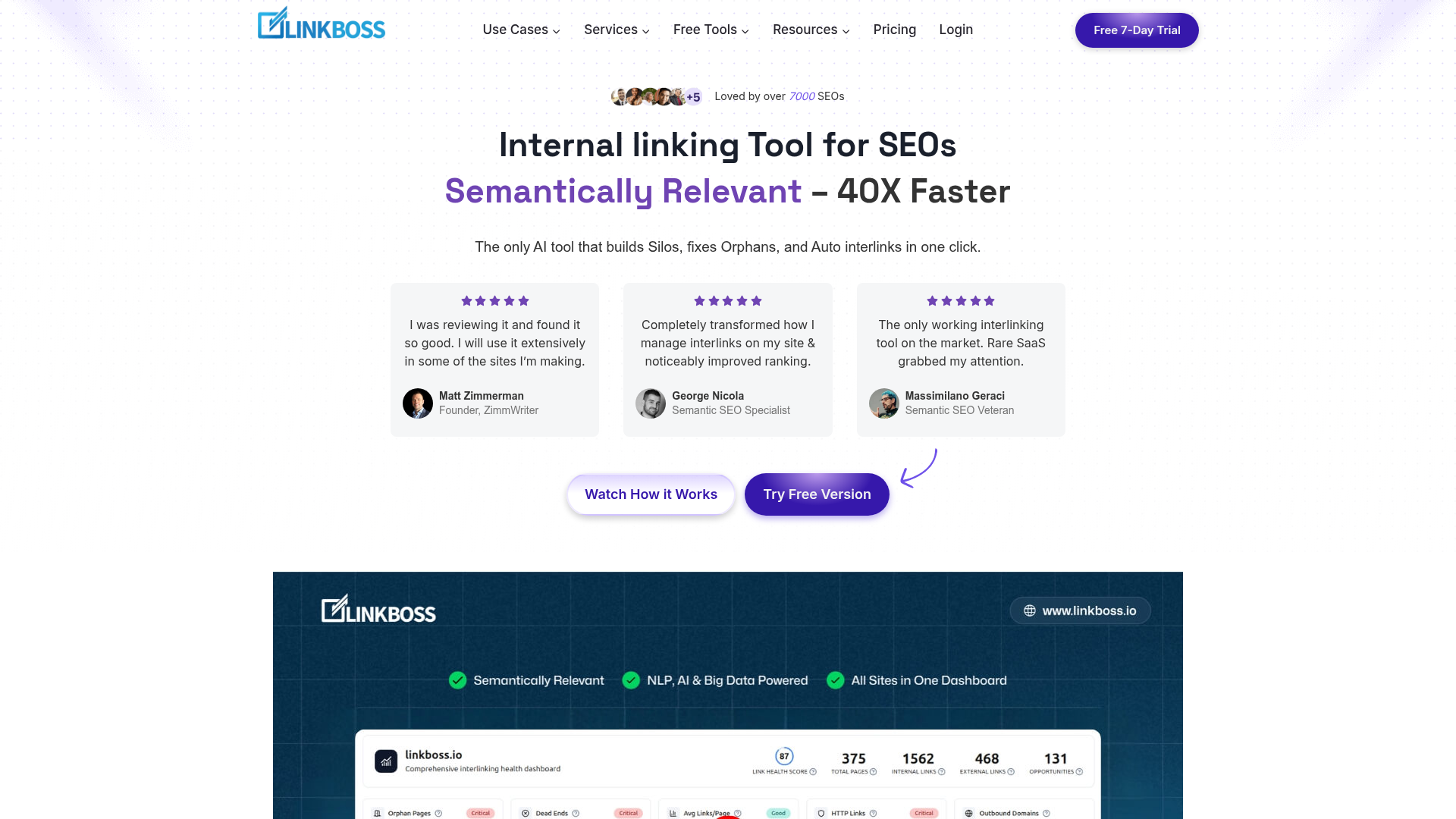
LinkBoss is the tool teams turn to when they need bulk internal link automation that goes beyond WordPress. If you're on Shopify, Webflow, or a custom CMS, your options narrow to multi-CMS SaaS platforms, and LinkBoss sits at the top of that shorter list. We stopped using a single-CMS plugin when our client mix expanded to include Webflow sites, and LinkBoss handled the transition without friction.
Key Features & Use Cases
- Bulk internal link insertion: Deploy dozens or hundreds of links across existing content in one action.
- Multi-CMS support: Works across WordPress, Webflow, Shopify, and custom builds.
- AI-driven anchor text suggestions: Generates natural, varied anchor text instead of repeating the same keyword.
- Topic cluster mapping: Visualizes content relationships to identify gaps in your internal link graph.
| Feature Highlights | Best For | Pricing Tiers |
|---|---|---|
| Bulk link automation, multi-CMS | Agencies managing multiple client sites | Freemium available |
| AI anchor text generation | Large content libraries needing retroactive linking | Paid tiers scale with site count |
| Topic cluster visualization | Content strategists mapping authority clusters | Contact for enterprise pricing |
Pros:
- One of the few tools that works natively outside of WordPress
- Bulk operations make large retroactive audits manageable
- Freemium entry point with no credit card required
Cons:
- Interface has a learning curve compared to simpler WordPress plugins
- Pricing becomes expensive for agencies managing 10+ sites
Website: https://linkboss.io
4. Ahrefs Site Audit
Ahrefs includes internal link analysis as part of its Site Audit tool, providing a comprehensive view of your internal linking structure. Ahrefs Site Audit crawls your entire site and maps internal link distribution, identifies orphan pages, detects broken internal links, and visualizes internal link flow. The Internal Link Opportunities report suggests specific pages that should link to each other based on content relevance and keyword overlap. It also tracks page depth and click distance from the homepage. The deal-breaker for teams on a budget: you're paying for a full SEO suite, not just a linking tool.
Key Features & Use Cases
- Internal Link Opportunities report: Suggests page-to-page connections based on keyword overlap and content relevance.
- Orphan page detection: Flags pages with zero internal links pointing to them.
- Click depth tracking: Shows how many clicks it takes to reach any page from the homepage.
- Broken link detection: Identifies internal 404s before they erode crawl budget.
| Feature Highlights | Best For | Pricing Tiers |
|---|---|---|
| Internal link opportunity reports | SEO teams already on Ahrefs | Starter $29/mo |
| Full site crawl & link graph visualization | Agencies running regular site audits | Lite $129/mo |
| Click depth + authority flow analysis | Enterprise SEO teams | Standard $249/mo |
Pros:
- Internal link data is part of the best-in-class backlink and keyword database
- Site Audit runs automatically on a schedule
- Works on any CMS since it crawls via URL
Cons:
- Ahrefs is ideal for agencies and in-house teams already using the platform for keyword research and backlink analysis — overkill if you only need internal linking
- Does not insert links automatically; analysis only
- Lite plan starts at $129/mo, one of the most expensive entries in this list
Website: https://ahrefs.com
5. Semrush Site Audit
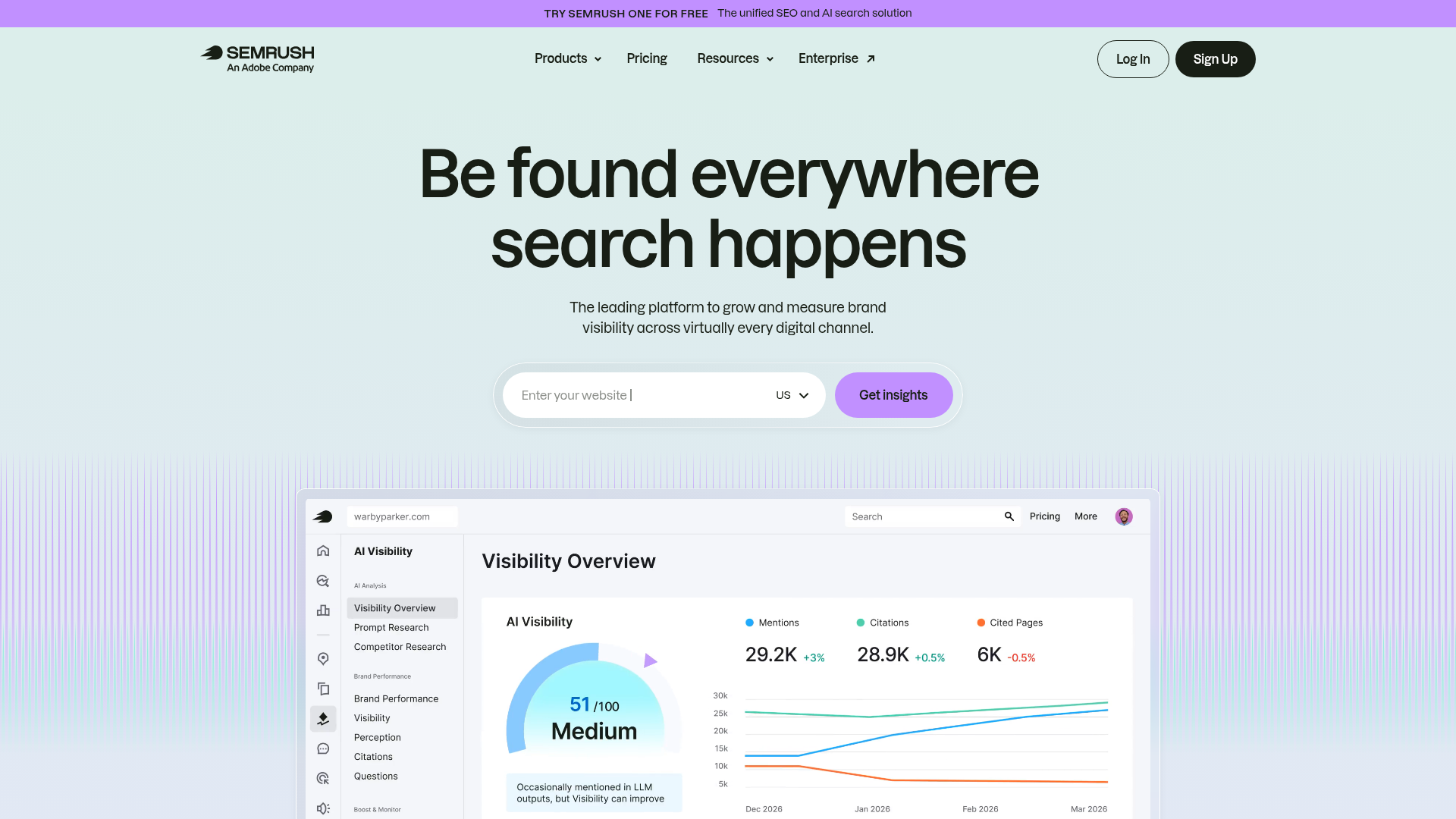
Semrush takes a similar approach to Ahrefs: internal linking is one feature inside a broader SEO suite. Semrush's toolkit helps identify content gaps to be filled with new interlinked content and helps create effective topic clusters or SEO content silos. These naturally encourage new interlinking opportunities. Semrush's Content Editor module simplifies and automates internal link insertions. For teams already paying for Semrush, the internal linking features are essentially free.
Key Features & Use Cases
- Site Audit internal linking report: Flags pages with too few or too many internal links, plus broken links.
- Topic cluster builder: Maps pillar and cluster pages to guide your interlinking strategy.
- Content Editor integration: Suggests internal links as you write new content inside the platform.
- Cannibalization detection: Semrush's Site Audit is a handy tool for identifying cannibalization and link issues.
| Feature Highlights | Best For | Pricing Tiers |
|---|---|---|
| Site Audit internal link reports | Teams already on Semrush | Pro $139.95/mo |
| Topic cluster & pillar page builder | Content strategists planning authority clusters | Guru $249.95/mo |
| Content Editor inline suggestions | Writers optimizing content within Semrush | Business $499.95/mo |
Pros:
- Bundled value if you already use Semrush for keyword research
- Topic cluster tool makes strategic planning visual and structured
- Crawls any CMS via URL
Cons:
- Entry price is high for teams that only need the linking features
- Does not auto-insert links into your CMS; manual implementation required
- Can be slow for very large sites (100,000+ pages)
Website: https://www.semrush.com
6. Screaming Frog SEO Spider
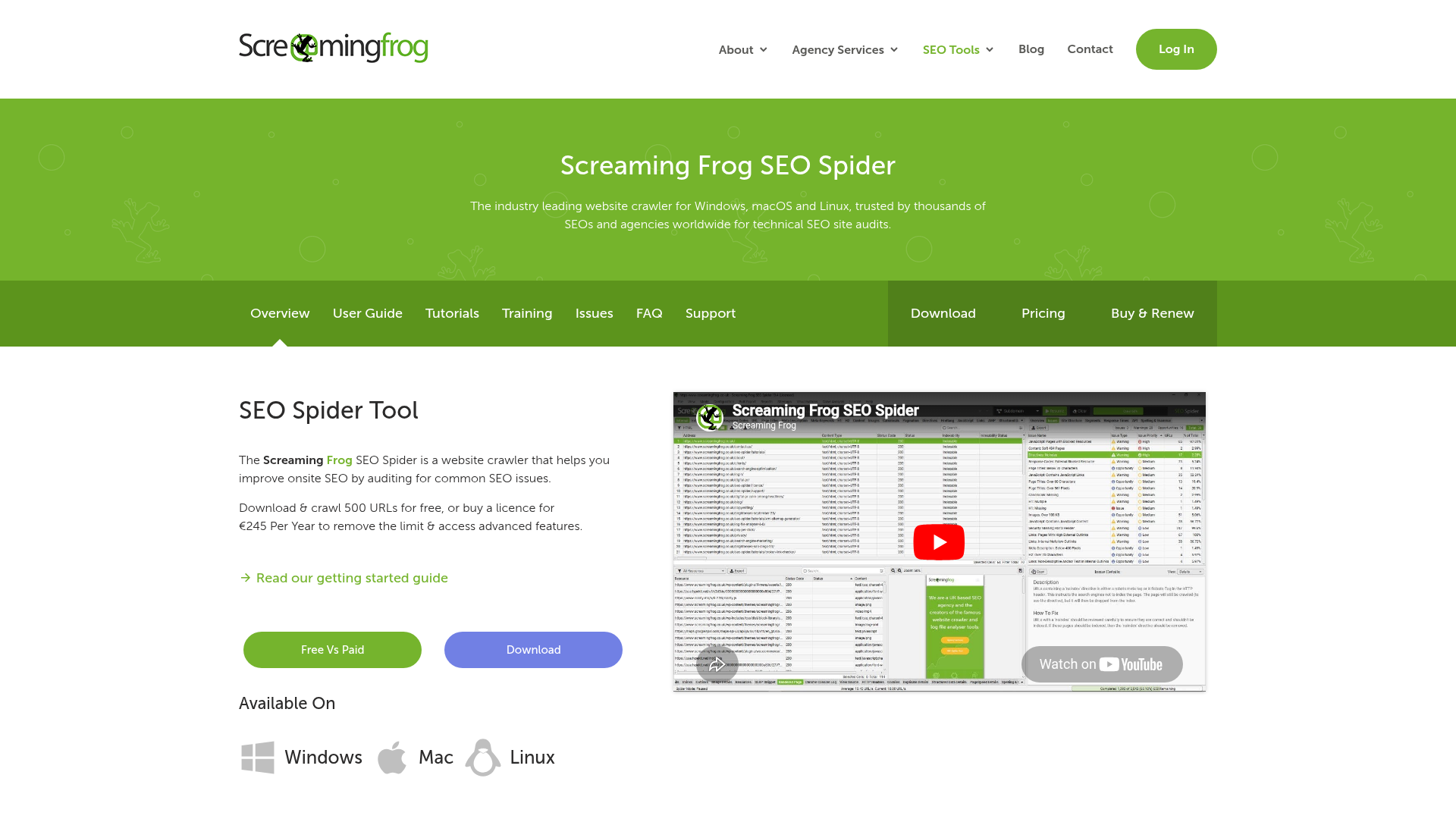
Screaming Frog is the go-to for technical SEO audits, and its internal linking analysis is a core part of that. Screaming Frog's SEO Spider Tool analyzes page titles, meta descriptions, and headers to help you spot pages competing against each other so you can plan your internal links more effectively. It's not pretty, and it has a steep learning curve, but no other tool gives you this level of raw crawl data at this price point. Many AI-powered SEO tools use Screaming Frog exports as input data for their own analysis.
Key Features & Use Cases
- Full site crawl: Maps every internal link across your domain, including depth, anchor text, and link attributes.
- Orphan page detection: Identifies pages not reachable through internal links.
- Redirect chain analysis: Spots internal links pointing to pages that 301 or 302 redirect.
- Visualizations: Link graph views show your site's structure at a glance.
| Feature Highlights | Best For | Pricing Tiers |
|---|---|---|
| Complete crawl data export | Technical SEOs doing deep audits | Free (up to 500 URLs) |
| Internal link graph visualization | Agencies auditing client sites | £259/yr (~$330) for unlimited |
| Redirect chain & broken link detection | Enterprise sites during migrations | £259/yr |
Pros:
- Free tier covers sites up to 500 URLs
- Works on any CMS, platform, or server stack
- The most complete raw link data of any tool in this list
Cons:
- No link suggestions or auto-insertion; pure auditing only
- Desktop app only; no cloud or team collaboration
- Steep learning curve for non-technical users
Website: https://www.screamingfrog.co.uk/seo-spider/
7. Yoast SEO Premium
Yoast SEO Premium includes internal linking suggestions as part of its broader WordPress SEO toolkit. Yoast Premium includes internal linking suggestions alongside its full feature set: redirects, content insights, schema, social previews, and the rest. If you're already paying for Yoast, the internal linking module is bundled value rather than a standalone purchase decision. We stopped recommending Yoast as a primary internal linking tool when sites crossed 200 pages, because the suggestion quality doesn't keep up with scale.
Key Features & Use Cases
- Inline link suggestions: Yoast suggests internal links based on cornerstone content settings and content analysis. It identifies orphan content through its internal linking overview and provides readability and SEO analysis alongside linking suggestions.
- Cornerstone content prioritization: Ensures links to your most important pages are surfaced first.
- Orphan content report: Shows posts with no inbound internal links.
- Redirect manager: Prevents broken internal links after URL changes.
| Feature Highlights | Best For | Pricing Tiers |
|---|---|---|
| Bundled internal linking + full SEO plugin | WordPress sites under 200 pages already using Yoast | $99/yr (1 site) |
| Cornerstone content linking | Blogs prioritizing pillar content | $99/yr |
| Inline editor suggestions | Writers who want prompts while drafting | Free version excludes this |
Pros:
- No new tool to learn if you're already a Yoast user
- $99/yr is reasonable given the full plugin feature set
- Suggestions appear inline while you write
Cons:
- Yoast's linking features are less powerful than Link Whisper's but sufficient for sites under 200 pages. No bulk operation — every link is added one at a time. Internal linking is a secondary feature, not the primary focus.
- WordPress only
Website: https://yoast.com/wordpress/plugins/seo/
8. Rank Math Pro
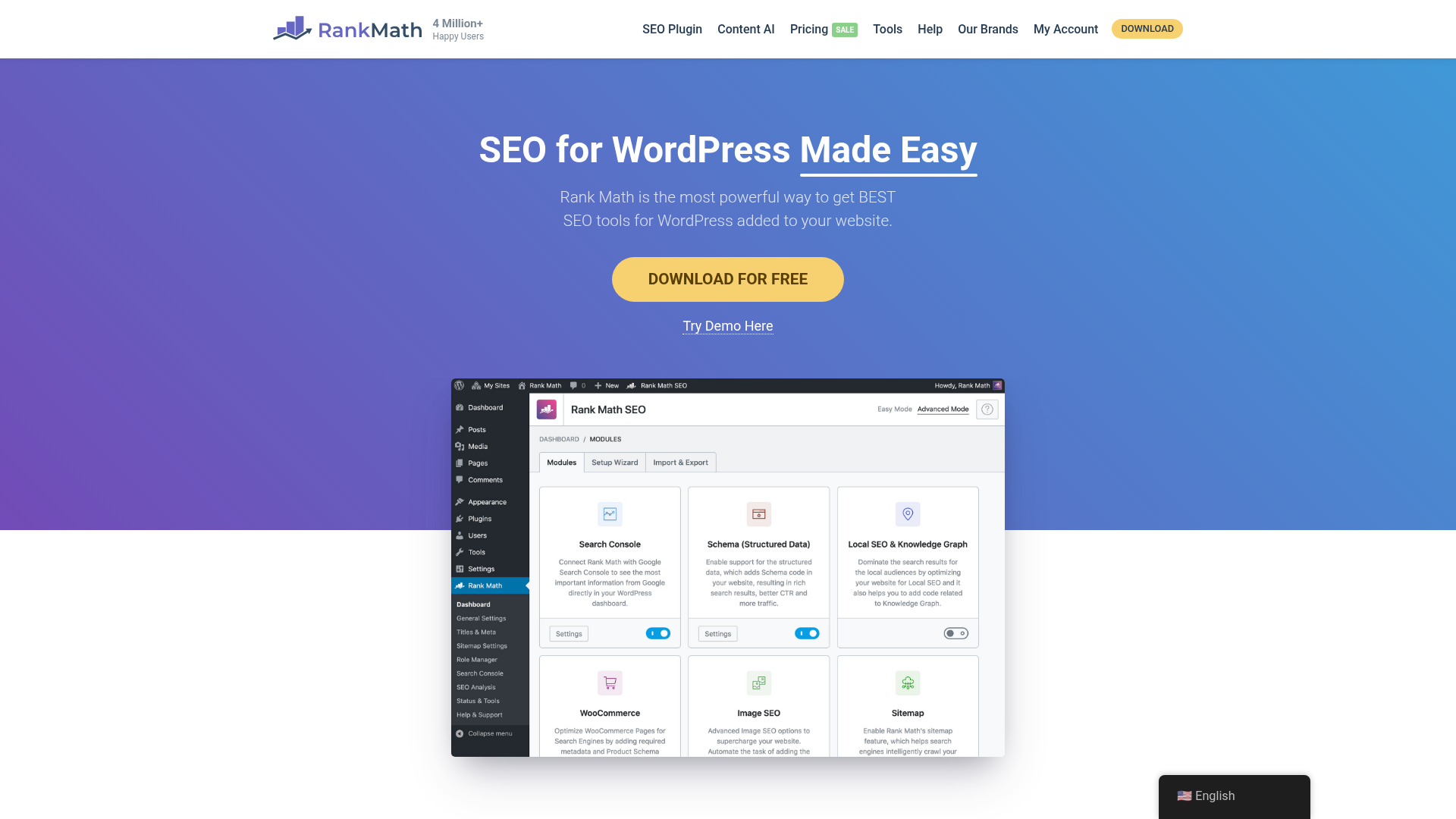
Rank Math is the most credible Yoast competitor, with a similar bundled-suite approach. The internal linking module suggests relevant links as you write, and the broader SEO feature set covers schema, redirects, sitemap configuration, and content analysis. It has a lighter footprint than Yoast, often running faster on the WordPress backend. The pricing model is notably more aggressive, starting at under $7/month. Proper keyword research for small business sites pairs particularly well with Rank Math's keyword-rule-based linking approach.
Key Features & Use Cases
- Internal link suggestions while editing: Surfaces relevant pages to link as you write or revise posts.
- Pillar content feature: Rank Math's Pillar Content feature helps place the pillar/cornerstone articles at the top of the list of link suggestions.
- Schema + redirects bundled in: Avoids needing a separate redirect plugin after URL changes.
- Content AI: Pro and Business tiers add AI-powered suggestions for on-page optimization alongside linking.
| Feature Highlights | Best For | Pricing Tiers |
|---|---|---|
| Inline link suggestions + full SEO plugin | WordPress users wanting a Yoast alternative | Pro $6.99/mo (billed annually) |
| Pillar content linking prioritization | Content clusters and authority building | Business $20.99/mo |
| Content AI integration | Writers optimizing at the time of creation | Agency $49.99/mo |
Pros:
- Most affordable bundled SEO + linking plugin available
- Lighter performance impact than Yoast on WordPress
- Free tier is genuinely useful for small sites
Cons:
- Internal linking is a secondary feature here — dedicated tools find more opportunities and handle bulk operations. WordPress only.
- Content AI credits cost extra beyond the base subscription
Website: https://rankmath.com
9. SEOJuice
SEOJuice isn't just an internal linking tool — it's a full SEO automation platform. If you want to automate internal linking, meta descriptions, alt text, schema markup, and competitor analysis in one platform, SEOJuice is your answer. The internal linking component uses AI to analyze your entire website and learn about content relationships. It then automatically creates connections that make sense contextually, without modifying the content you've published. The closest competitor to Rankcow in terms of automation philosophy, though it doesn't generate or publish content.
Key Features & Use Cases
- AI-powered retroactive linking: Analyzes entire website, automatically creates contextual links, retroactive linking for existing content, topic cluster identification.
- Multi-platform API integration: SEOJuice works through API integration, supporting WordPress, Shopify, Webflow, and most other major CMS platforms.
- Hands-off automation: 95% of SEO tasks automated, monthly reports showing changes, review and rollback capability.
- Meta + alt text automation: Goes beyond linking to cover broader on-page SEO automatically.
| Feature Highlights | Best For | Pricing Tiers |
|---|---|---|
| AI retroactive internal linking across site | Busy entrepreneurs wanting "set and forget" SEO | €49/mo (up to 1,000 pages) |
| Multi-CMS API integration | Non-WordPress sites needing automation | Higher tiers for larger sites |
| Full on-page SEO automation bundle | Small teams without dedicated SEO resources | Saves 10+ hours per week for small teams |
Pros:
- Truly automated linking with no manual approval needed unless you want it
- Works across multiple CMS platforms without a plugin
- Rollback capability if you don't like the automated changes
Cons:
- The downside? It's almost too automated for SEO purists.
- Does not create or publish content, only links existing pages
- €49/mo is steep for sites under 200 pages where manual linking is feasible
Website: https://seojuice.io
10. Google Search Console
Google Search Console is the only free tool in this list, and it's the only one that shows you your internal links exactly as Google sees them. It won't suggest links, auto-insert anything, or audit your anchor text quality — but it tells you which pages receive the most internal links and which are being ignored by your own site structure. Every team should use this before spending money on anything else on this list. You'll find extensive analysis techniques covered in the Rankcow blog.
Key Features & Use Cases
- Internal Links report: One of the key features of Google Search Console is the ability to monitor internal links. It provides a detailed breakdown of the internal links within your website, allowing you to see which pages are frequently linked to and how they contribute to the overall structure.
- Index coverage: Shows which pages are indexed versus orphaned from Google's crawl.
- URL inspection: Lets you check whether specific pages are discoverable via internal links.
- Performance data: Pairs clicks and impressions data with your link structure to identify high-authority pages worth linking from.
| Feature Highlights | Best For | Pricing Tiers |
|---|---|---|
| Google-verified internal link count per page | Every site, as a baseline audit tool | Free |
| Index coverage report | Identifying orphan pages at no cost | Free |
| Performance + link data correlation | Prioritizing which pages to link from | Free |
Pros:
- Completely free with no usage limits
- Data comes directly from Google, not a third-party crawler approximation
- Works on every CMS and hosting stack
Cons:
- No link suggestions, automation, or insertion capability
- Internal Links report shows counts only, not anchor text or link context
- Data can lag by days or weeks compared to real-time crawl tools
Website: https://search.google.com/search-console/
Master Comparison Table
| Tool | Auto Link Insertion | CMS Support | Starting Price | Best For |
|---|---|---|---|---|
| Rankcow | ✅ Yes (with content publishing) | WordPress, Webflow, Shopify, Framer, Notion, Custom | Flat monthly subscription | Full SEO autopilot (content + linking) |
| Link Whisper | ✅ Yes (keyword-based) | WordPress only | $77/yr | WordPress blogs with 100–1,000 posts |
| LinkBoss | ✅ Yes (bulk) | WordPress, Webflow, Shopify, Custom | Freemium | Multi-CMS bulk automation |
| Ahrefs Site Audit | ❌ Analysis only | Any (URL-based crawl) | $29/mo (Starter) | Teams already on Ahrefs |
| Semrush Site Audit | ❌ Analysis only | Any (URL-based crawl) | $139.95/mo | Teams already on Semrush |
| Screaming Frog | ❌ Audit only | Any (URL-based crawl) | Free / £259/yr | Technical SEO deep audits |
| Yoast SEO Premium | ⚠️ Manual suggestions | WordPress only | $99/yr | Sites already using Yoast |
| Rank Math Pro | ⚠️ Manual suggestions | WordPress only | $6.99/mo | Budget-conscious WordPress users |
| SEOJuice | ✅ Yes (AI retroactive) | WordPress, Shopify, Webflow, Custom | €49/mo | "Set and forget" on-page automation |
| Google Search Console | ❌ Reporting only | Any | Free | Baseline audit for every site |
How to Choose the Right Internal Linking Tool
Use this four-question framework to narrow your choice quickly.
1. What CMS are you on?
Most tools are WordPress-only plugins. If you're on Shopify, Webflow, or a custom CMS, your options narrow to multi-CMS SaaS platforms. That means Rankcow, LinkBoss, SEOJuice, or the audit-only options (Ahrefs, Semrush, Screaming Frog, Google Search Console) are your realistic choices.
2. How large is your content library?
If you only have a small website — anywhere from 5 to 30 pages — it might not be worth your time and money to invest in an internal linking tool. Once your site reaches a specific size, using an internal linking tool becomes a 'must' as it will enable you to ensure you are not missing any golden opportunities.
3. Do you want suggestions or automatic insertion?
Yoast, Rank Math, Ahrefs, and Semrush give you suggestions that you then act on manually. Link Whisper, LinkBoss, SEOJuice, and Rankcow actually insert the links for you. Automation is powerful, especially for sites with hundreds or thousands of pages. But you should always be able to review and adjust suggestions. The best tools combine bulk automation with manual approval options, so you get the speed of AI while maintaining accuracy and editorial quality.
4. Do you also need content?
If internal linking is just one symptom of a broader SEO gap — inconsistent publishing, no keyword strategy, no topical structure — then individual linking tools won't solve the root problem. Rankcow addresses the full pipeline: keyword discovery, content creation, internal linking, and CMS publishing in one automated workflow. For teams spending more time managing SEO tools than growing their business, that's the more honest answer.
Rankcow takes internal linking off your to-do list entirely by building it directly into a fully automated content pipeline: every article published to your CMS arrives already connected to your existing content, building topical authority on autopilot. If you're tired of managing a stack of SEO tools and want consistent organic growth without the manual overhead, Rankcow's flat-rate subscription delivers 30 optimized, interlinked articles per month — no agency fees, no plugin juggling. Start your SEO autopilot today at https://www.rankcow.com/.