How to Post on Reddit Without Getting Removed (Web and App Walkthrough)
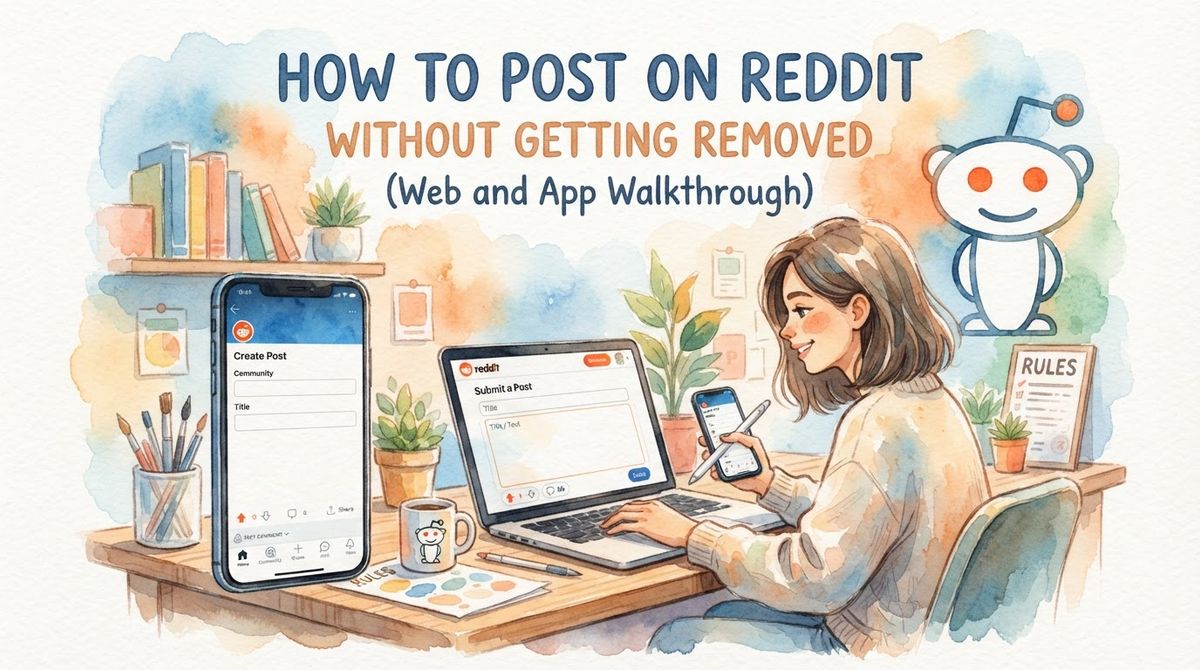
To post on Reddit, click Create Post (top of the page on desktop, the + or pencil icon in the app), pick the community you want to post in, choose your post type (text, image and video, link, or poll), write a clear title, add your body or media, attach the required flair, then hit Post. That is the whole flow. The part nobody tells you is that hitting Post is the easy step. Getting the post to actually stay live, visible to real people and not silently removed by a bot, is where most new accounts fail.
I post on Reddit to reach customers, and my first handful of posts got nuked within minutes. No error, no warning, just gone. If your first posts got removed or ignored, this guide walks you through posting correctly on both web and the app so you clear AutoMod, dodge the spam filter, and don't get shadowbanned. Let's get into it!

Before You Post: The Checks That Actually Matter
Here's the thing most tutorials skip: whether your post survives depends more on your account and the subreddit's rules than on your writing. Do these four checks before you type a single word.
Account age. Many communities block accounts younger than a few days. Some large subs require a week or more. Brand new accounts are the single biggest spam signal on the platform.
Karma minimums. Plenty of subreddits set a karma floor through AutoModerator. Reddit karma requirements to post vary widely, from zero to a few hundred, and they're usually listed in the subreddit rules or wiki.
Subreddit rules. Read them. Every one. Reddit self promotion rules differ per community, and a post that thrives in one sub gets instantly deleted in another for being too promotional.
Flair requirements. Some subs won't let a post go live, or will auto-remove it, if you didn't pick a post flair. Check whether flair is mandatory before you post.
If your account is new and low on karma, spend a few days commenting genuinely in the communities you care about first. Building comment karma the right way matters more here than post karma, because it shows you're a real person having conversations rather than a drive-by link dropper.
Comment karma is the currency that gets you past AutoMod, not post karma. A week of honest commenting will save you from most silent removals.
How to Make a Post on Reddit (Desktop, New Reddit)
This is the cleanest way to post because the desktop editor is the most reliable, especially for media. Here are the numbered steps.
Log in at reddit.com and look to the top of the page. You can start a post by clicking the Create Post box near the top or Create Post on the right-hand sidebar.
Choose your community. Click "Choose a community" and type the name of the subreddit you want to post in. If you start from within a community page, it's pre-selected for you.
Pick the post type. You'll see tabs for the different formats: Post (text), Images and Video, Link, and Poll. Click the one you need.
Write your title. Make it descriptive and specific. Reddit's own guidance is to make sure the title accurately summarizes your content. You cannot edit the title later, so get it right.
Fill in the body or media. The rich text editor lets you add formatting, links, and images depending on what the community allows.
Add flair and tags. Select a post flair if the sub uses them. You can also mark your post as NSFW if it's mature content for people over 18, or add a spoiler tag if it might ruin a surprise.
Click Post. Done. Now refresh the page in a minute to confirm it's actually visible (more on that later).
One thing worth knowing: not all communities allow every post option, so the tabs you see change depending on the subreddit you're posting in. If a sub disabled image uploads, you simply won't get that tab.
How to Post on the Reddit App (iOS and Android)
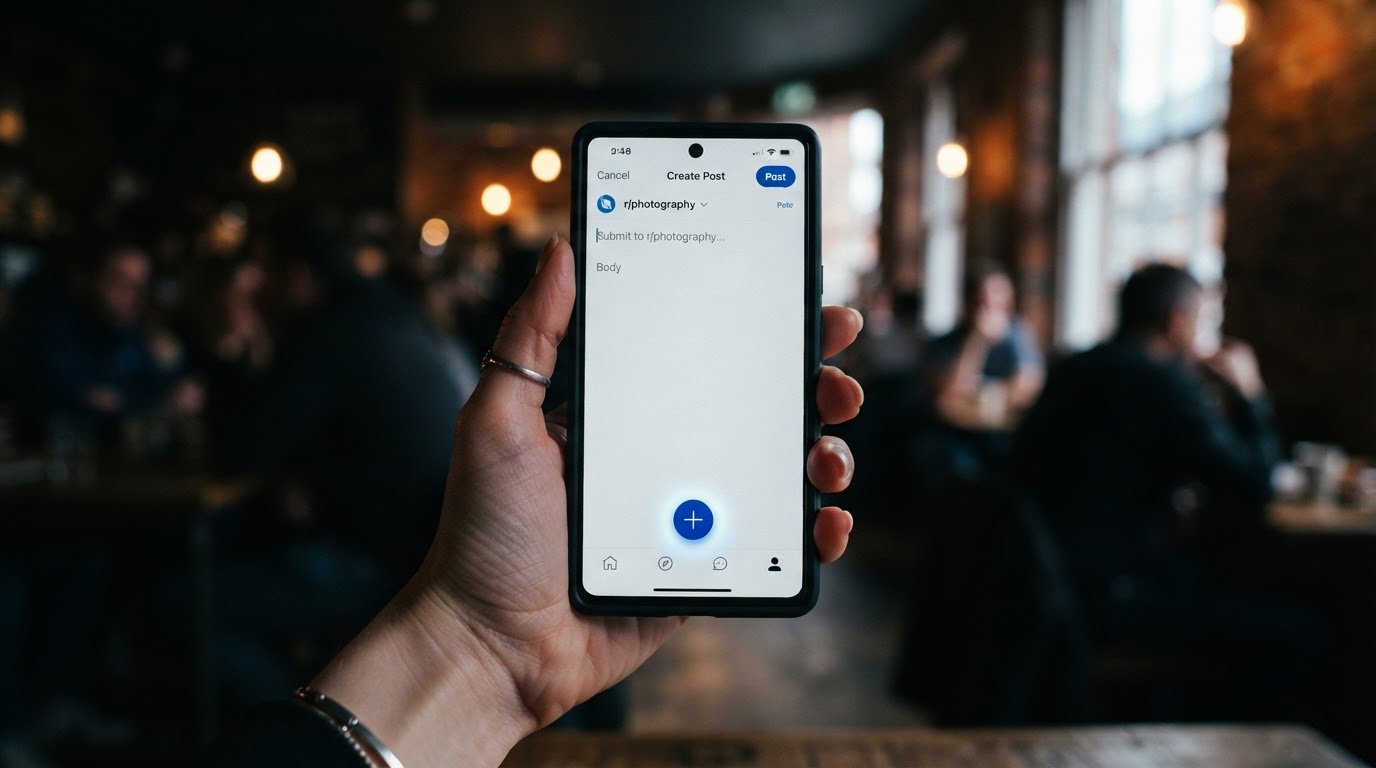
Posting on the Reddit app follows the same logic with a different button location. Tap the Create icon at the bottom of the screen on Android, the top right corner on iOS, or open it from within a community.
Tap the Create / + icon. On Android it sits in the bottom navigation bar, on iOS it's top right.
Select a community to post in if you didn't start from inside one.
Add your title and description. The app prompts you to add a title and a description for your post.
Attach media, add flair and tags (NSFW or spoiler) the same way you would on desktop.
Tap Post.
Where the app differs from desktop
Icon placement is inconsistent between iOS and Android, which trips people up.
Video upload limits can be stricter on mobile. Some mobile uploads, especially on older app versions or certain Android devices, get capped at a much smaller file size, sometimes around 100MB. If a video keeps failing on the app, switch to desktop.
Scheduling is desktop-only for most users, and image and video scheduled posts aren't currently supported anywhere.
Post Types Explained (and Why Some Fail)
Each format has its own quirks. Match the type to what you're actually sharing.
Post type | Best for | Common failure |
|---|---|---|
Text (self post) | Questions, stories, discussions | Low karma / new account filters |
Link | Articles, external pages | Links are the #1 spam-filter trigger |
Image / picture | Photos, screenshots, memes | Sub has image uploads disabled |
Video | Clips under 15 minutes | Wrong format, file too big, transcoding rejection |
GIF | Short looping animation | Uploaded as image in unsupported subs |
Poll | Quick community votes | Not enabled in every subreddit |
Text posts
The safest format for a new account. No external link means fewer spam signals. Use the rich text editor for formatting, and keep your title honest. This is the format to lead with while you build trust. If your text post is a question rather than a story, frame it around a specific decision you are weighing, not a generic "what do you think" prompt. This guide to writing Reddit discussion questions covers how to do that without it reading like market research.
Link posts
Powerful but risky. Links are the number one trigger for automated filters, and a shortened URL is even worse. If you're new, expect link posts to get filtered more aggressively than text. Before you submit, paste the draft and the subreddit into the free Reddit post removal checker. It pulls that community's real rules and shows what the filters and automod would do.
How to post a picture on Reddit
Choose the Images and Video tab, upload your file, add a title, and post. On desktop you can add multiple images as a gallery. If the tab is missing, that subreddit has disabled image uploads, so you'll need to host the image elsewhere and use a link post (where allowed).
How to post a video on Reddit
Native video is where most uploads fail, so know the specs first. Reddit generally allows videos up to 1GB in file size and 15 minutes in length. The supported formats are MP4 and MOV. For the best compatibility, encode your video with the H.264 (AVC) codec, because videos that don't meet these requirements may fail to upload, lose audio, or appear heavily compressed after posting.
There's a hidden gotcha too. Even if your video is under the size limit, Reddit reprocesses it after upload, and if it doesn't meet Reddit's internal standards it can be aggressively compressed or rejected. If your clip is too long or too large, the reliable workaround is to host it on YouTube or Streamable and share the link instead.
To upload directly from desktop: log in, go to the community, click the Image and Video tab, select Upload, choose your file, write a title that captures the point, and hit Post. This takes longer than you'd expect because of the transcoding step, so don't panic if it sits on "processing" for a minute.
GIFs
Many subs accept GIF uploads through the image tab or a GIF picker in comments. If GIFs won't post, the community likely restricts them, so convert to a short MP4 instead.
Polls
Polls need to be enabled by the subreddit. When available, pick the Poll tab, add your options and a duration, then post. Good for engagement, useless if the sub turned them off.
How to Post Anonymously on Reddit
Reddit is already pseudonymous, your username is not your real name, so "anonymous" here usually means posting from a throwaway account that isn't tied to your main identity or history. There's no "post as anonymous" button. You create a separate account, use it, and (if you want) abandon it. If you are creating that throwaway, the free Reddit username generator gives you twelve names that pass Reddit's rules and do not end in a string of digits.
Realities to keep in mind:
"Anonymous" is relative. Reddit still sees your IP, email, and device. A throwaway hides you from other users, not from Reddit itself or a determined investigator.
New accounts hit the most friction. A fresh throwaway with zero karma will get filtered constantly. The same rules apply: comment first, build a little karma, then post. To see where an account actually stands, the free Reddit user search shows its age, karma split, and top subreddits in one lookup.
Don't reuse identifying details. Cross-posting the same link, writing style, or timing from your throwaway and your main account can connect them.
If you're posting anonymously to avoid tying promotion to your brand, understand that a shadowban can hit a throwaway just as fast if it behaves like spam. Anonymity doesn't buy you immunity from the filters.
Why Your Post Disappeared
The most frustrating part of Reddit: a post that looks live to you but nobody can see. Here's what's happening behind the curtain and how to fix each cause.
AutoModerator removal
If your post clears Reddit's sitewide spam filter, it still has to pass AutoModerator, a bot configured individually by each subreddit, which is why the same post can be approved in one community and removed instantly in another. Moderators program it to automatically remove posts containing certain keywords, links, or from users with low karma. Fix: read the rules, meet the karma and age minimums, drop the naked links.
The sitewide spam filter
Reddit's own filter watches behavior, not just words. Posting the same link across multiple subs, a brand new account posting links, all-caps titles, or emoji spam all raise flags. If a post stays stuck at 1 upvote and gets no views, the spam filter probably caught it. Don't repost the same content immediately, that just re-triggers the filter. Instead, message the mods politely and ask them to check.
"Can't post" errors
Usually an account-level block: too new, too low on karma for that sub, or a rate limit on how fast a young account can post. Slow down, build karma, and try one post at a time.
Shadowban
A shadowban is the worst case: your posts and comments are hidden site-wide without any notice, so you keep posting into a void. If your recent posts get zero engagement across every sub, run a check. Understanding how to detect and fix a Reddit shadowban is worth doing before you post anything important, because the fix often means appealing to Reddit admins directly.
Real talk: most "my post disappeared" panics are AutoMod, not a ban. Check the subreddit's removed-post message and message the mods before assuming the worst.
After Posting: Edit, Delete, Pin, and Timing
Once your post is live, you have a few controls.
Edit vs delete. You can edit a post's content but not its title, and once you edit, an asterisk appears next to it to show other redditors it's been changed. If the title is wrong, your only option is to delete and repost (carefully, to avoid the spam filter).
Pin to profile. Open the post's overflow menu and pin it to your profile so it's the first thing visitors see. Useful if you want a particular post to represent you.
Timing. When you post changes how many people see it early, which drives the whole thread's momentum. Matching your post to when your target subreddit is most active is one of the highest-leverage things you can do, and the best windows to post on Reddit differ by community and time zone.

How to Promote Something Without Getting Removed
If you're a founder or marketer, this is why you're really here. The mistake is treating Reddit like a billboard. It isn't. The communities punish cold self-promotion hard, and AutoMod is tuned to catch it.
Two principles that keep you alive:
The 9:1 rule. For every one post or comment about your own thing, contribute nine that are purely helpful and unrelated to you. This ratio is the informal standard mods use to judge whether you're a community member or a spammer.
Replying beats cold posting. Jumping into an existing thread where someone is already asking for a solution converts far better, and gets removed far less, than a fresh promotional post nobody asked for. Answer the actual question, mention your product only when it genuinely fits.
A full Reddit marketing strategy is built on that second principle: find high-intent conversations and add real value inside them. Monitoring the right subreddits by hand is slow, which is why tools exist to surface those threads for you. RankCow is a specialized SaaS platform that automates Reddit-based lead generation for businesses, continuously monitoring chosen subreddits, identifying posts where users are actively seeking products or services, and generating genuinely helpful replies in your own voice, with a 3-day trial to test it. If you're comparing options, it's worth reading up on the alternatives for Reddit lead monitoring before you commit to any single workflow.
Quick-Reference Posting Checklist
Bookmark this. Run through it every time before you hit Post.
✅ Account is at least a few days old
✅ You meet the subreddit's karma minimum
✅ You've read the subreddit rules in full
✅ You picked the correct post type
✅ Title is descriptive (remember: it can't be edited later)
✅ Required flair is attached
✅ NSFW / spoiler tags added if needed
✅ Video is MP4/MOV, under 1GB, under 15 minutes, H.264
✅ No naked or shortened links if your account is new
✅ You're posting during the community's active hours
✅ After posting, refresh in a new tab to confirm it's visible
Frequently Asked Questions
How much karma do I need to post on Reddit?
There's no universal number. Reddit itself doesn't require karma to post, but individual subreddits set their own minimums through AutoModerator. Many communities require a certain account age or karma level before you can post. Some ask for zero, others want 50, 100, or more. Check the specific sub's rules or wiki.
Can I post anonymously on Reddit?
Reddit is already pseudonymous, so you can post without your real name from any account. For extra separation, people use throwaway accounts that aren't linked to their main history. Just remember Reddit still knows your IP and email, and new throwaways face the same karma and age filters as any other account.
Why can't I post on Reddit?
Usually one of four reasons: your account is too new, you don't meet the subreddit's karma minimum, you hit a posting rate limit, or your content tripped a filter. Reddit's spam filter and AutoModerator work together, so a post approved in one community can be removed instantly in another. Read the removal message, meet the requirements, and message the mods if needed.
How do I post on Reddit from mobile?
Open the app and tap the Create icon. It's at the bottom of the screen on Android and in the top right corner on iOS. Choose a community, add your title and description, attach media and flair, then tap Post. Note that mobile video uploads can be more limited than desktop.
How do I edit a Reddit post?
Open your post, tap or click the overflow menu, and choose Edit post. You can edit the content but not the title, and an asterisk will appear to show the post was changed. To fix a title, you have to delete and repost.
Posting is only half the battle, the real win is turning Reddit threads into a traffic asset that keeps working for years. RankCow monitors your target subreddits around the clock, spots buyers actively asking for what you sell, and helps you reply in your own voice while the thread is still hot, all with karma-safe posting and a 3-day trial. If you want to reach high-intent Reddit users without the manual grind or the ban risk, it's built for exactly that.